Here is one of the small habits we use on every WordPress website we build. It takes ten seconds per image and it pays off for as long as the site is online.
Before you upload a photo to WordPress, rename the file with real spaces between the words.
Not dashes. Not underscores. Spaces.
One thing first: this is a WordPress trick. It works because of the way WordPress handles a file name when you upload it. Other website builders treat file names their own way, so do not assume it carries over.
Why spaces work in WordPress
When you upload an image, WordPress does two useful things with the file name.
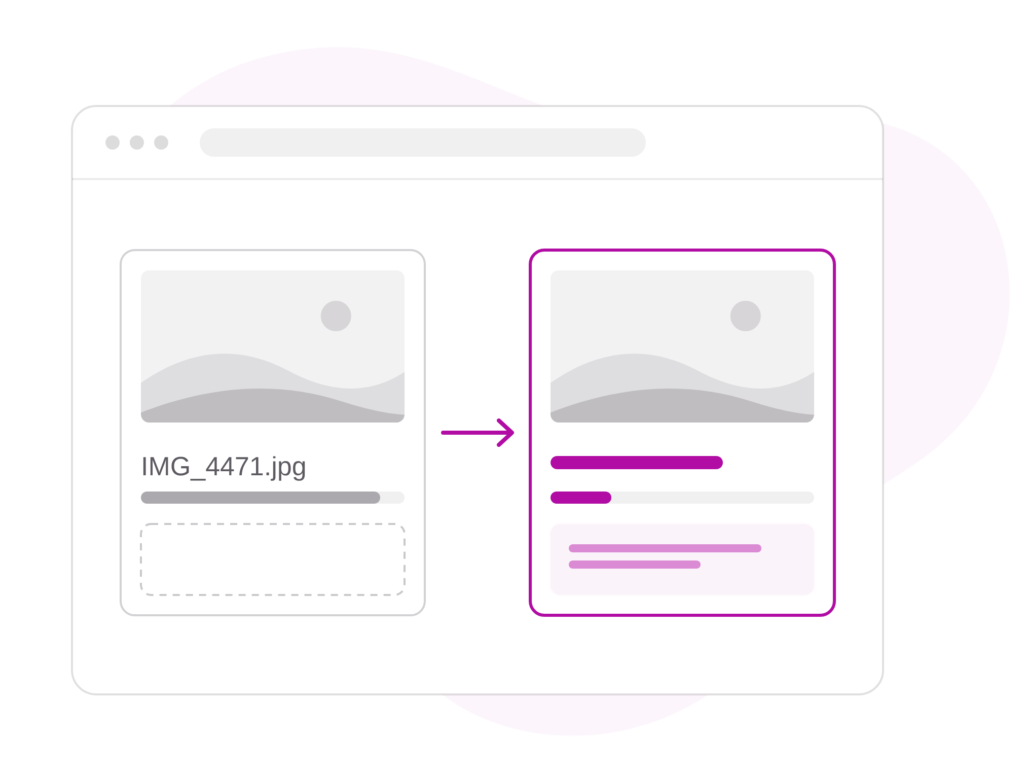
It copies the name, exactly as you typed it, into the image’s title. Spaces in, a clean readable title out.
Then it swaps the spaces for dashes in the file name itself, so the web address stays clean and safe. That is the kind of file name Google likes to see: real words, joined by dashes.
So one careful name gives you two for one: a readable title and a properly named image file. Type the dashes in yourself and the title comes out as one long string of joined-up words that you then have to fix by hand.
And there is a bonus. With a clean title, the alt text is nearly done. Copy the title straight into the alt text field, or use an alt text tool to turn it into a slightly more natural sentence.
What to call it
Describe what is actually in the photo, in three to eight words, in title case. Then add where, if it matters.
For example: Kitchen Renovation with Timber Benchtop Gosford NSW
Describe the photo truthfully. Google can already tell roughly what is in an image, so the name is there to confirm it, not to trick anyone. No stuffing in keywords that have nothing to do with the picture.
What alt text is for
Alt text was made for people who cannot see the image. Many blind and low-vision people browse the web with a screen reader, software that reads the page aloud. When it reaches a picture, it reads out the alt text instead. Without it, they hear a file name, or nothing at all.
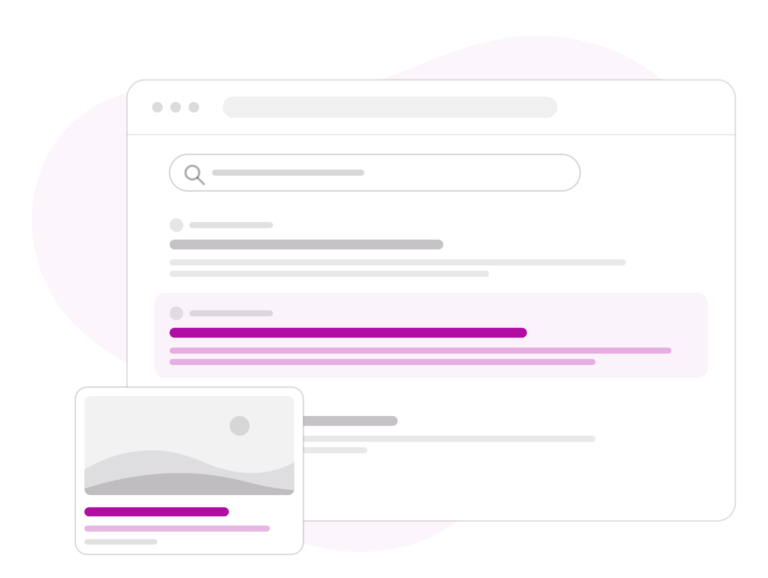
Google reads alt text too. It is one of the ways Google works out what an image shows and which searches it belongs in.
Both want the same thing: a plain, accurate description of what is in the photo. Google’s own guidance warns against filling alt text with keywords, because it makes the page worse for people and can get a site treated as spam. Write it for the person listening and it will be right for Google as well.
Why we care about something this small
When we look at a website and every image is called IMG_4021.jpg, it tells us nobody was thinking about the person who owns the site. Small things like this are where care shows.
Published 15 November 2026
More news